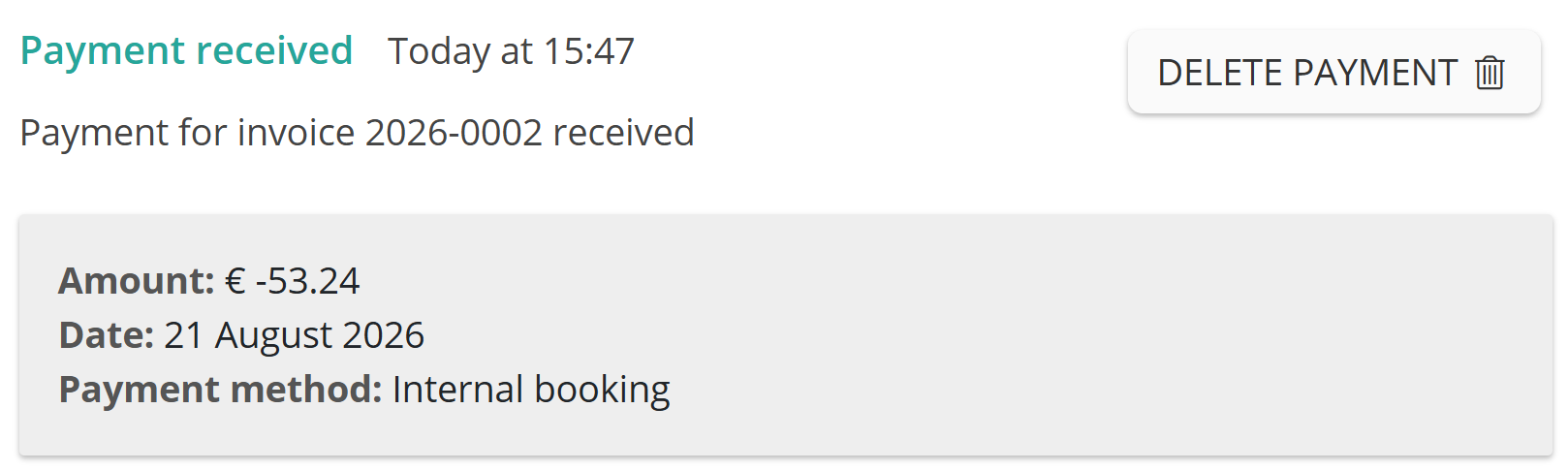
Have you accidentally credited the wrong amount? Remove the payment from the relevant credit note.
- Go to the invoice overview.
- Open the relevant credit note.
- Click Delete payment.
The invoice will return to the Outstanding status and the remaining amount due will be restored.