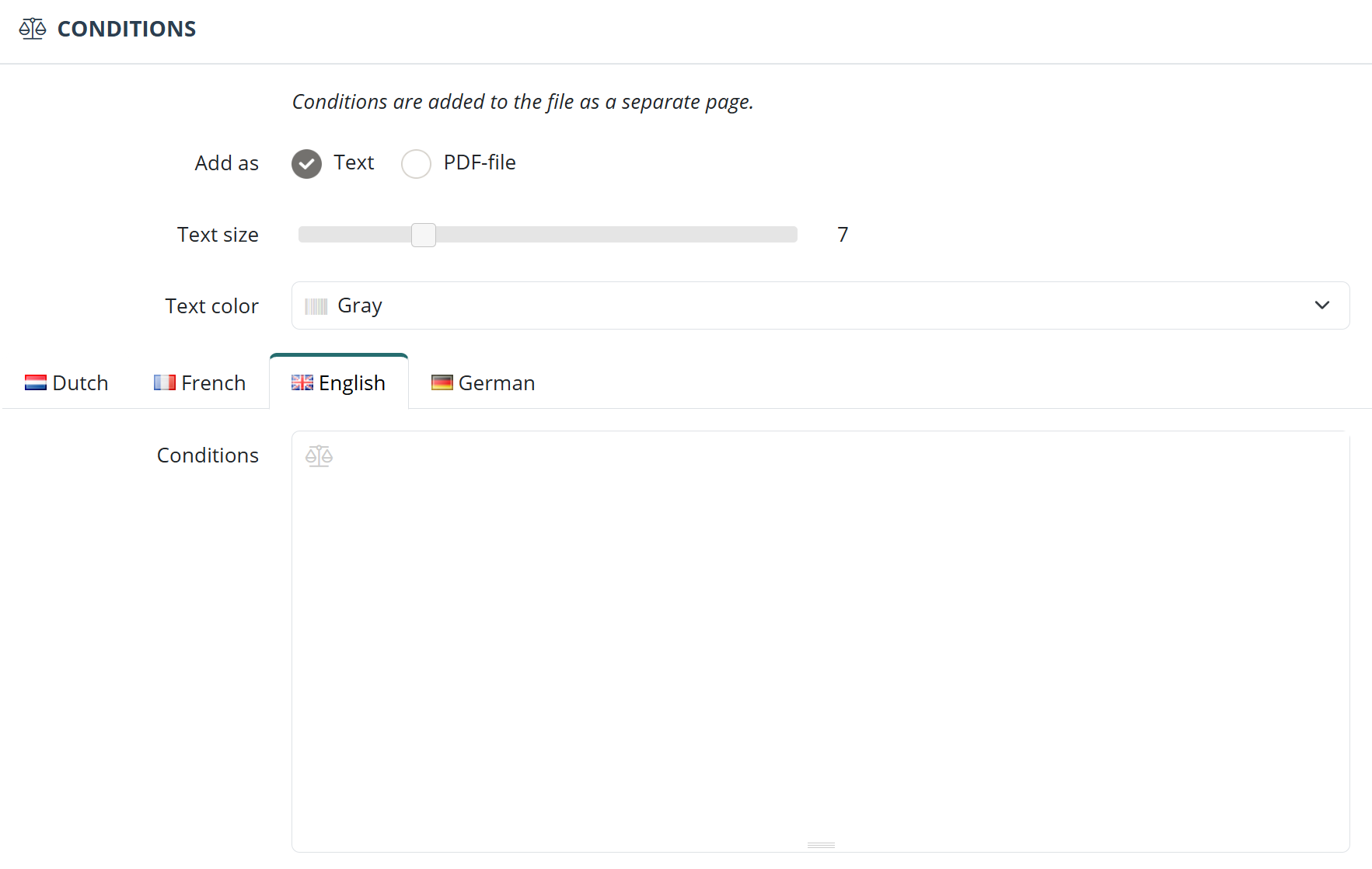
The general terms and conditions can be added to the invoice using the layout editor. Open the menu in the top-right corner, go to Layouts, and edit your layout via Actions > Update. In the Terms and conditions section at the bottom, you can add the general terms and conditions as text or upload them as a PDF file.
Don’t forget to save the layout by clicking the blue “Update layout” button.